
Course Details
Home // Course Details


Desktop Publishing (DTP) Course
This Course Included
Share Course
50
Duration
6 Months
Skill Level
Advance
Language
Bilingual
Certificate
After Completed
Course Overview
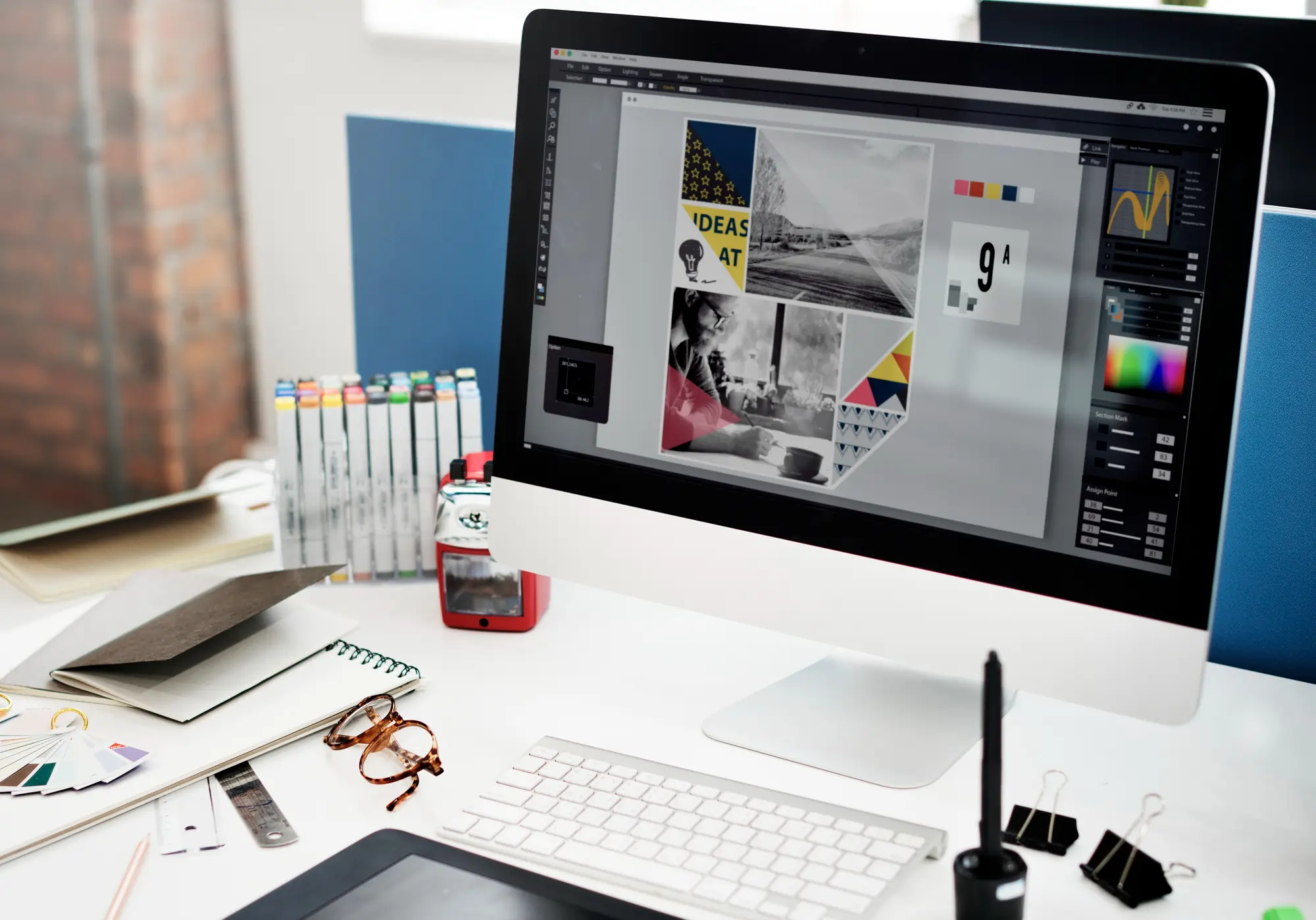
Desktop Publishing (DTP) Course ek practical training program hai jisme students ko print media designing aur page layout skills sikhayi jati hain. Is course me Inkscape, Adobe Photoshop aur Adobe InDesign jaise professional software ka training diya jata hai jisse students visiting card, brochure, banner aur other print designs create kar sakte hain.
Course Overview
Syllabus:
Module 1: Basic Computer & Typing Skills
In this module, students learn the basic fundamentals of computers and typing skills that are important for designing and publishing work.
- Introduction to Computer
- Basic Concept of Computer
- English Typing
- Hindi typing
- Internet
Module 2: Inkscape (Vector Graphic Designing)
In this module, students learn vector graphic designing using Inkscape software. It helps students create professional graphic designs used in branding and marketing materials.
- Introduction to the Inkscape Interface
- Basics of Vector Graphics
- Logo Designing
- Visiting Card Designing
- Letterhead Designing
- Banner and Poster Designing
- Working with Shapes and Paths
- Text Effects and Typography
- Color Fill and Gradient
- Exporting and Printing Designs
Module 3: Adobe Photoshop
This module provides practical training in Adobe Photoshop, focusing on photo editing and creative design techniques.
- Introduction to Adobe Photoshop tools
- Adjustments
- Layers, Channels, Paths
- Layer Mask, Vector Mask, Clipping Mask, Quick Mask
- Retouching Image
- Color Correction
- Background
- Typography
- Project Work
- and many more….
Module 4: Adobe InDesign
In this module, students learn professional desktop publishing and page layout designing using Adobe InDesign.
- Introduction to Adobe InDesign
- Creating a New Document
- Text Formatting and Typography
- Working with Images and Graphics
- Page Layout Design
- Multi-Page Document Creation
- Magazine, Book, and Brochure Design
- Master Pages and Templates
- Preparing Files for Printing
- and many more….
Career Opportunities After This Course
After completing the course, students can work in the following fields:
- Graphic Designer
- DTP Operator
- Photoshop Editor
- Print Media Designer
- Freelance Graphic Designer
- Publishing Designer